
Form Builder & SharePoint Integration
This is a massive update bringing highly requested features to PowerLibs. The goal was to make it easier to build complex forms and connect your components to real data.
Drag & Drop Form Builder
Create forms in seconds with the new Form Builder!
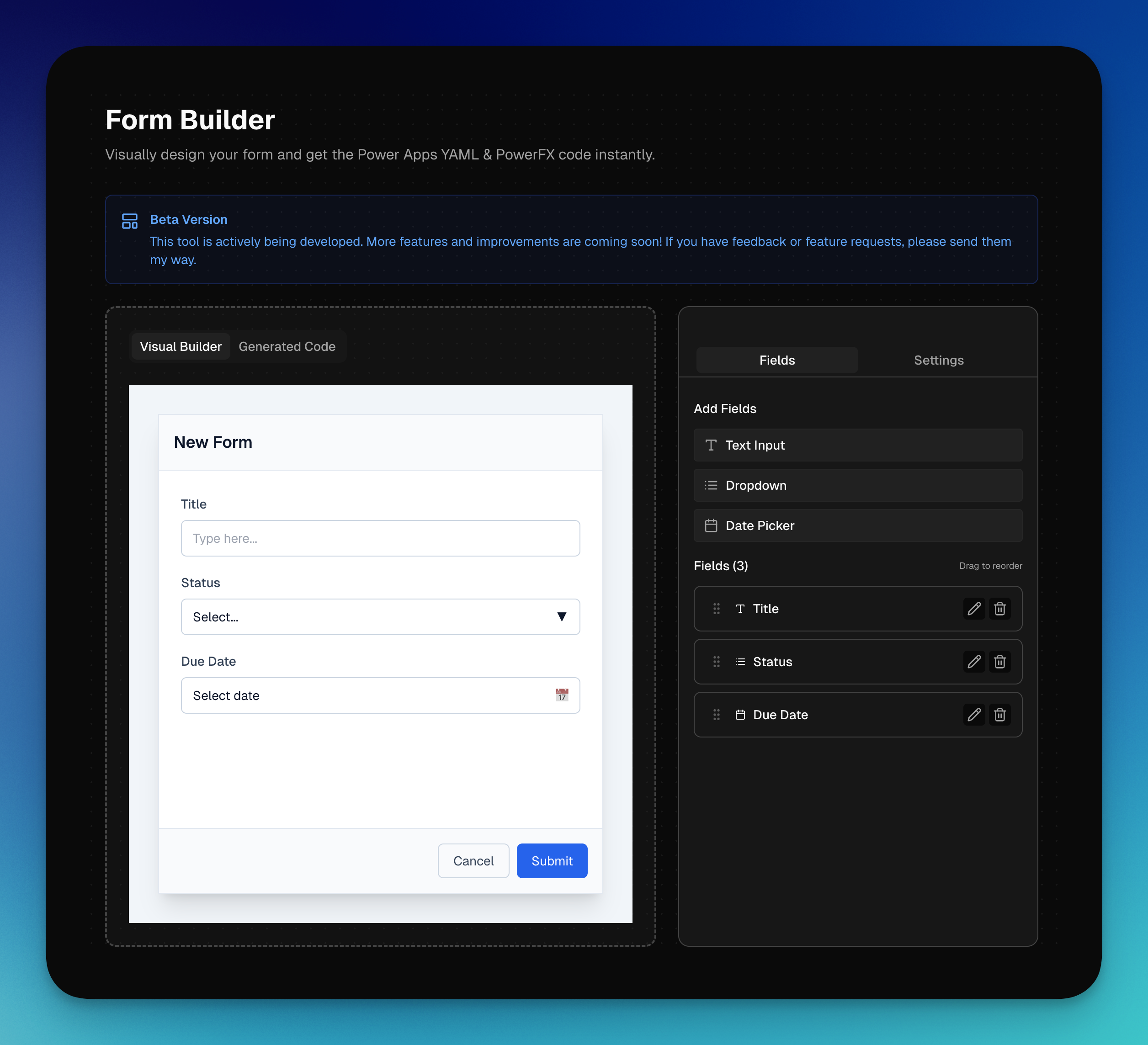
This is a beta version that I'll be updating over time. Right now, it produces a standard form and can even generate the patch function for you. The idea is to have a builder environment where you can drag and drop form parts to different places quickly, then export the full thing straight into your PowerApps.
SharePoint for Dropdowns
All dropdown components now support direct SharePoint integration!
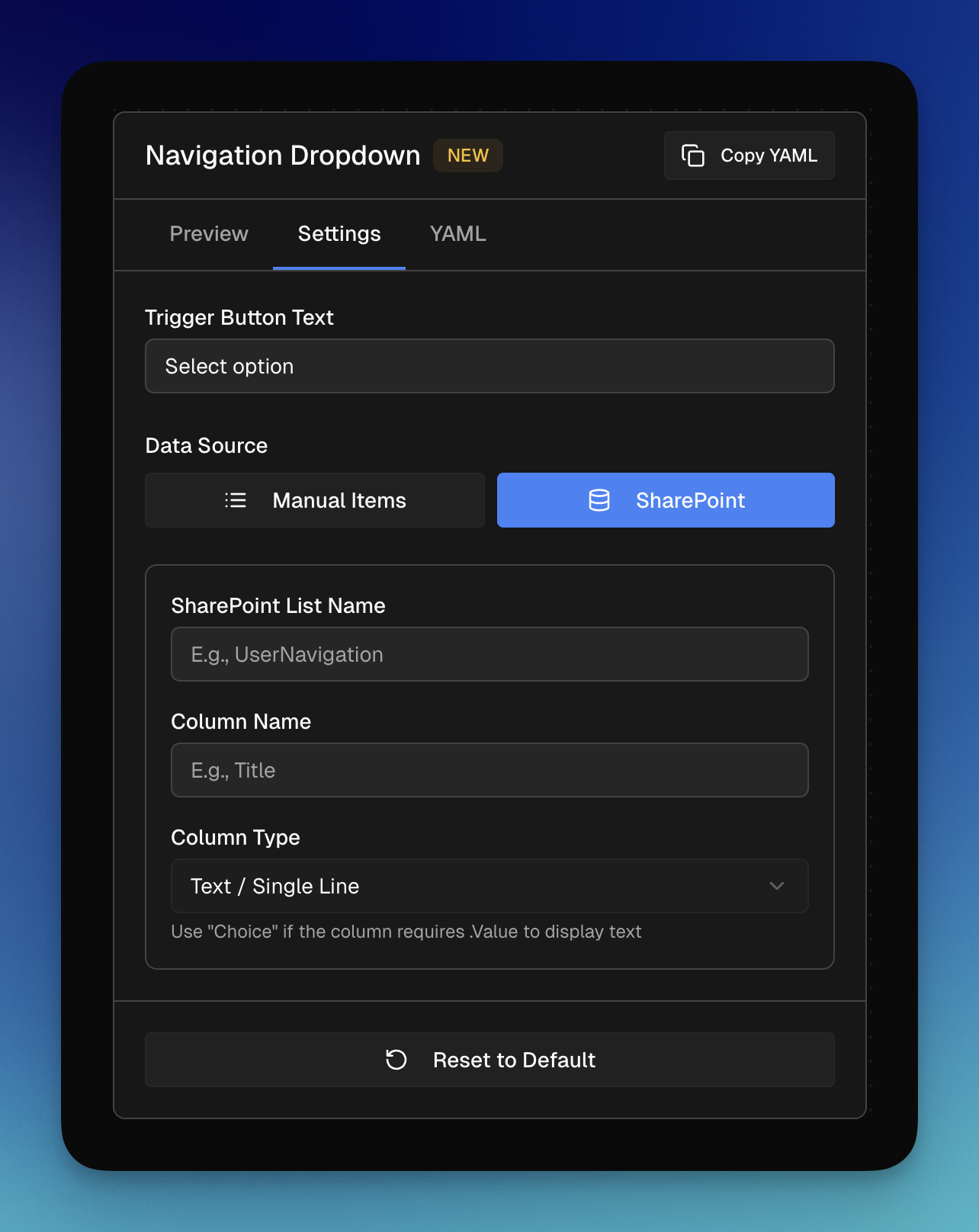
Up to now, you could only define manual items. But since dropdowns are often connected to a data source, it was the logical next step to add this.
You can now just type in the SharePoint list name, column name, and column type (Text or Choice), and the YAML updates automatically. It handles the .Value for Choice columns for you, so you can finally have a dropdown populated directly from your SharePoint list.
Responsive App Shells
New App Shell components that finally fit any screen size because of responsiveness.
These are the same app shells you know, but adjusted for responsiveness. Especially for mobile. On smaller screens, the sidebar adapts into a bottom icon bar, making the experience professional on any device.
Animated SVG Sidebar
A sidebar experience that feels different.
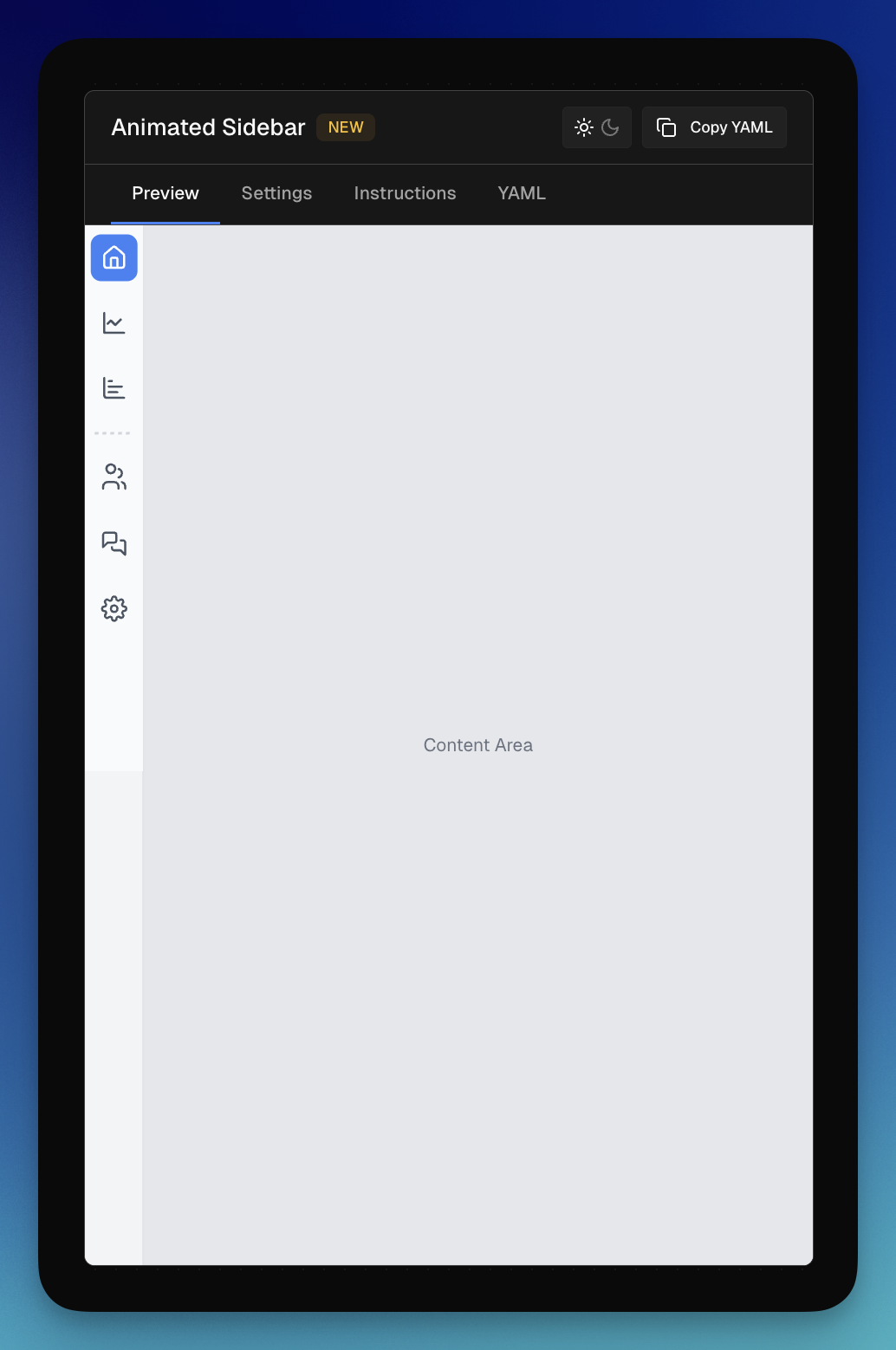
This component uses animated SVGs to create a unique navigation experience. It has all the settings you need to change its appearance and colors to fit any branding. The best way to understand it is to just try it out and play around with it!
PowerFx Toolkit
I realized that while Microsoft's documentation is good, it can be text-heavy and hard to search.
The PowerFx Toolkit is a library where you can type intents like "send data to SharePoint" or just "SharePoint," and it shows you the relevant function (like Patch) with short examples. It helps you build the code by letting you type in your data source, column, and row, making it easier to learn PowerFx structure without getting lost in documentation.
---
Where to find the new features:
- Form Builder: Form Builder page
- SharePoint: Open any Dropdown component settings
- App Shells: Check the Layout category
- Animated Sidebar: Check the Navigation category