
What's New in PowerLibs
Here's what's new since the last update!
New Components
7 new components have been added to the library:
- Glass Floating Sidebar - Modern glassmorphism navigation with blur effects
- Menu Navbar - Navigation bar with expandable dropdown menus
- Dropdown Sidebar - Sidebar with collapsible sections
- Classic Icon Button - Simple and clean icon button
- Time Picker - Hours/minutes/seconds picker with 12h or 24h format
- Calendar - Calendar with month navigation
- Calendar with Header - Colored header with event dots
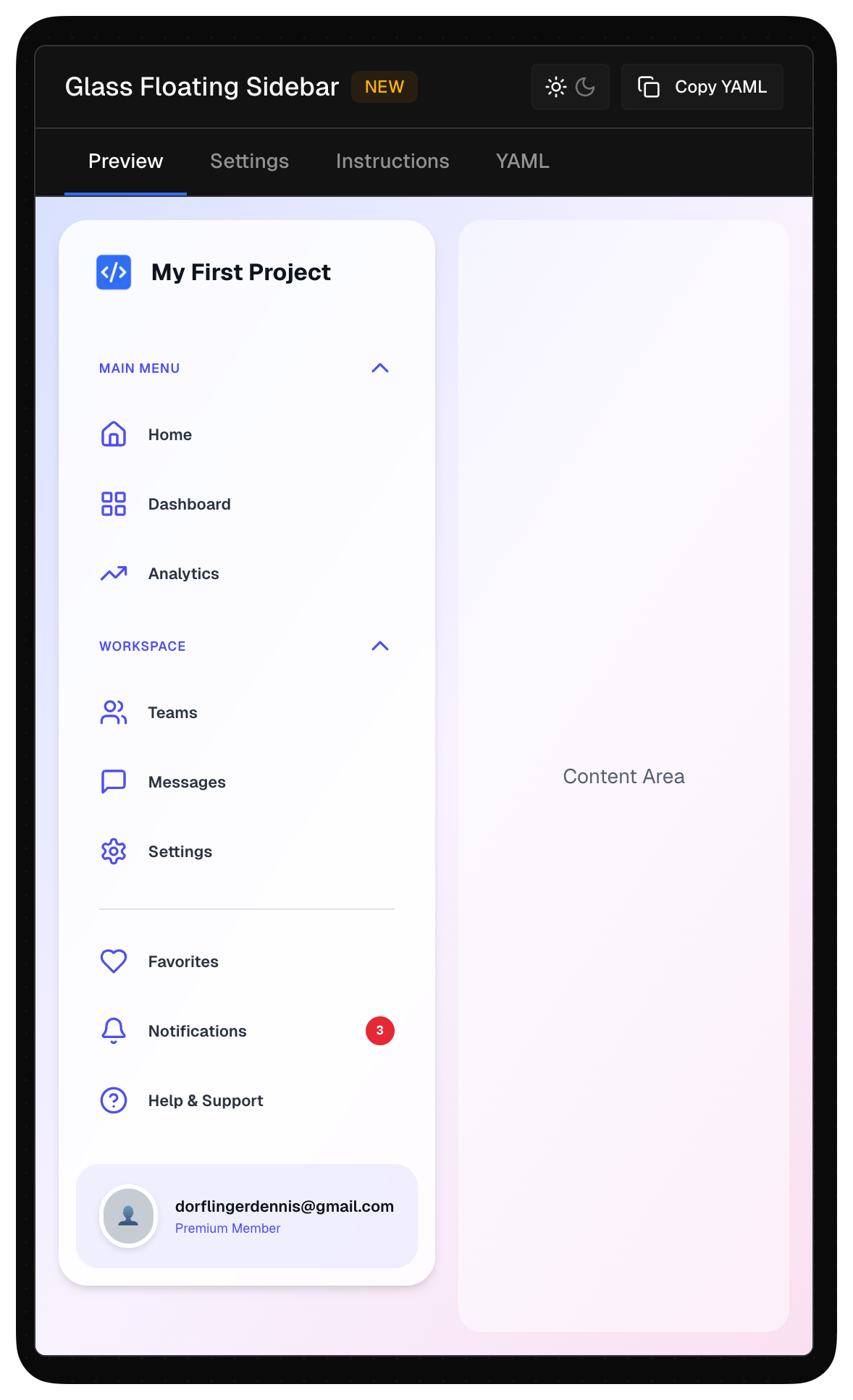
Check them out in the Component Library.
Modern Controls Support
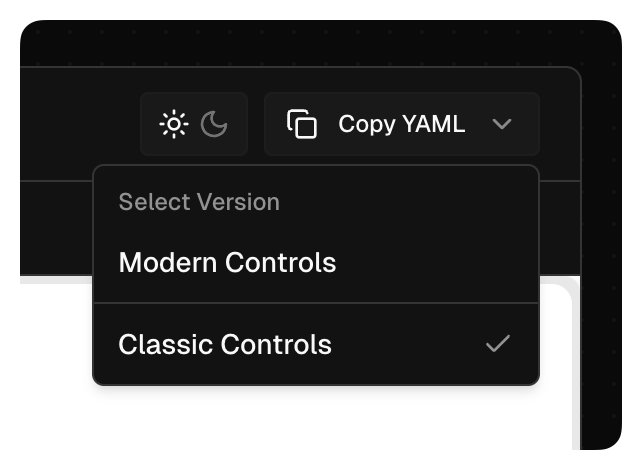
Some components now come with a Modern Controls version. When you copy, a dropdown lets you choose between modern YAML or classic controls YAML.
Projects System
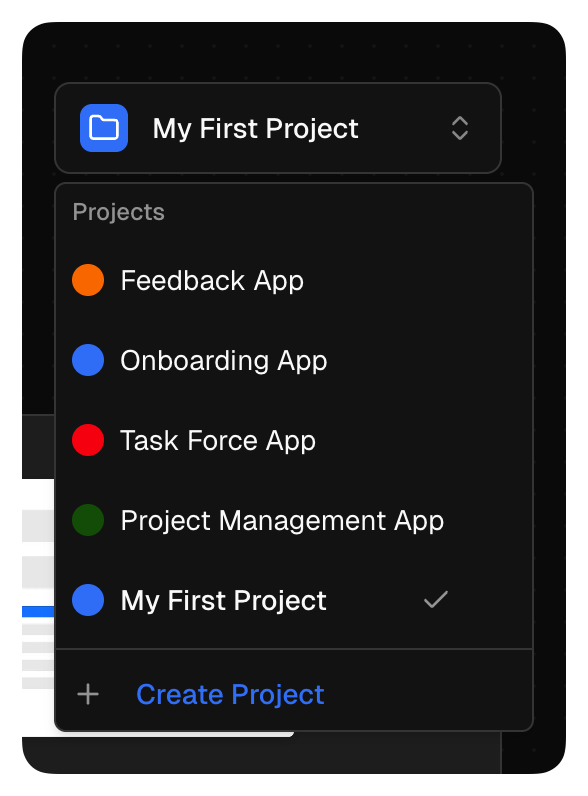
Ultra users can create multiple projects with different settings. Different colors, different prefixes, different style presets. Switch between them instantly.
SVG Library
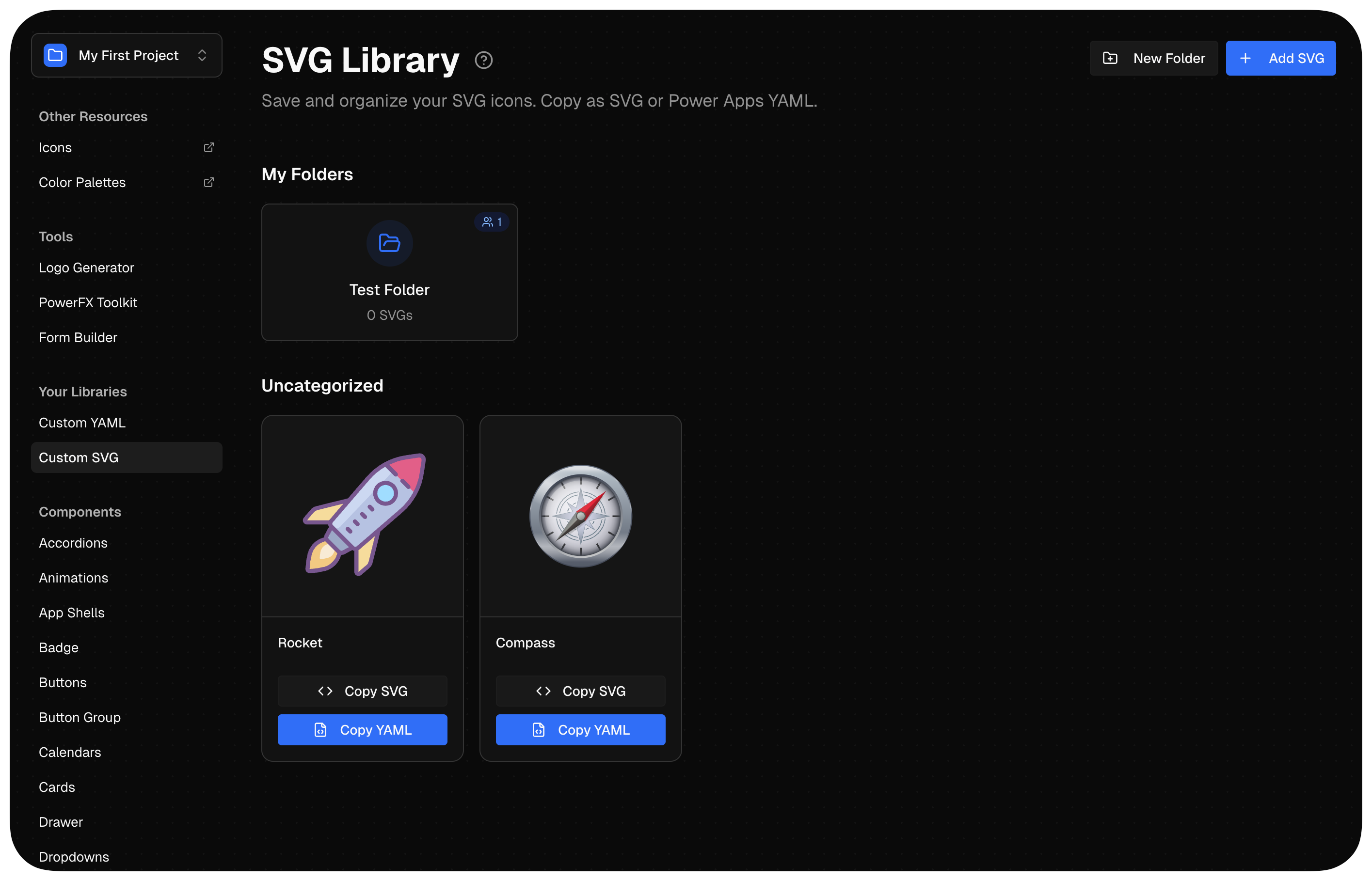
Save and organize your SVG icons with Power Apps YAML export. Create categories, copy SVG or YAML directly. You can also share folders with team members. Great if you use PowerIcons.dev!
MCP Integration for Claude.ai
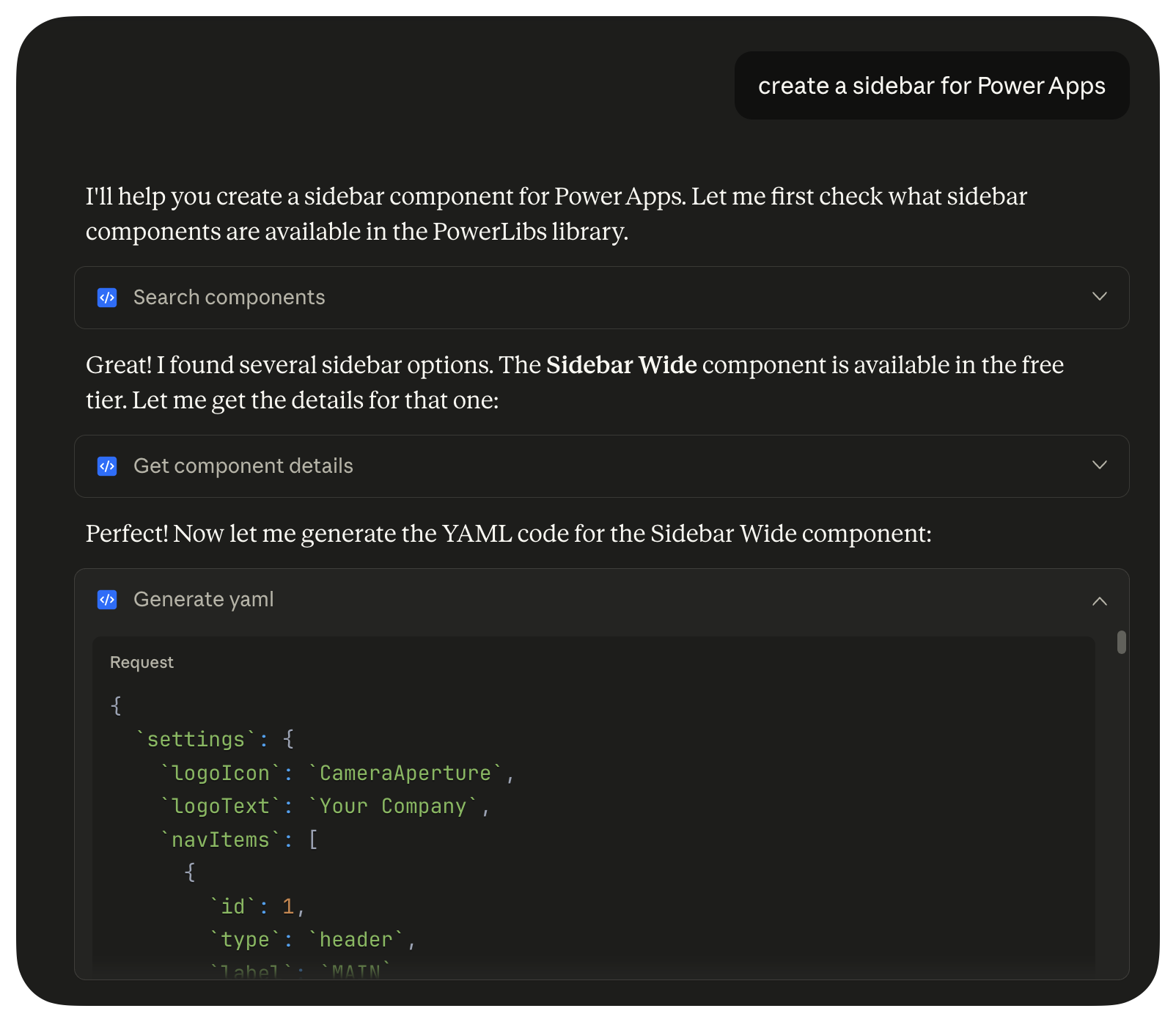
Experimental: If you're a Claude Pro or Max user, you can connect PowerLibs as a custom connector and generate Power Apps YAML code directly in chat.
Coming Soon: Full Apps
I'm working on full apps inside PowerLibs. First up: a Feedback App, followed by a Project Management App. More details soon!