
18. November 2026
See components right in Claude
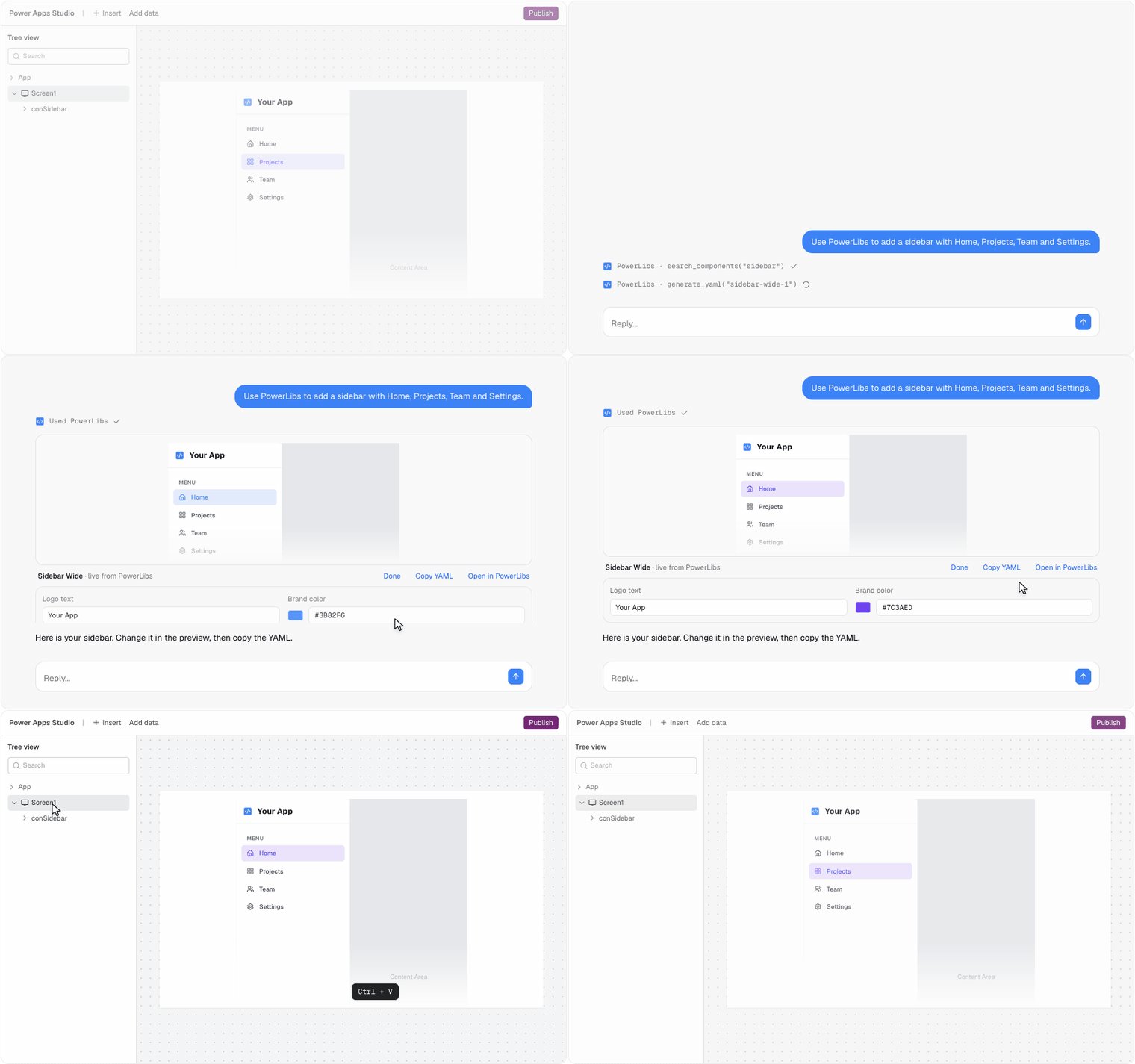
Ask Claude for a PowerLibs component and it shows up right in the chat: the real component, not a picture. Click through it like in your app.
Change it in the chat
- Click Edit to change texts, menu items and your brand color. The preview follows as you type.
- Copy YAML gives you exactly the version you see. Paste it into Power Apps Studio.
- Ask for more changes and Claude keeps your edits.
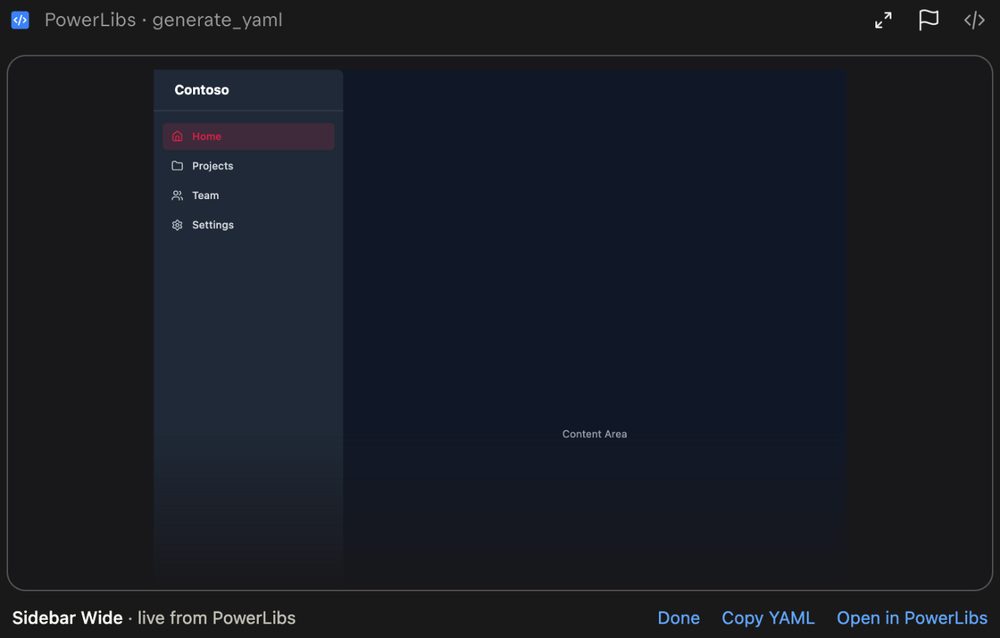
Faster answers
Claude no longer writes out the whole YAML. It answers in a sentence or two, and you copy the YAML from the preview.
Fewer surprises in Studio
If your AI picks an icon Power Apps does not have, the preview shows a question mark and tells you which icon to use instead.
Also new
- Ask your AI instead in the Copy YAML menu copies a sentence for Claude, Cursor or VS Code.
Works in Claude and other apps that show MCP Apps. Everywhere else your AI gets the YAML as text, as before. Connect PowerLibs to your AI