
Power Apps Full App Templates
A full app is several screens that share one sidebar and one look. You paste each screen's YAML into Power Apps Studio and the app comes together screen by screen.
How a full app works
- 1Pick an app
Open the app page and look at each screen in the preview.
- 2Paste each screen into Power Apps Studio
Copy the YAML of one screen, right-click Screens in the Tree View and paste, then repeat for the other screens.
- 3Wire the sidebar navigation
Set the OnSelect of each sidebar button to Navigate(ScreenName) so the screens link up.
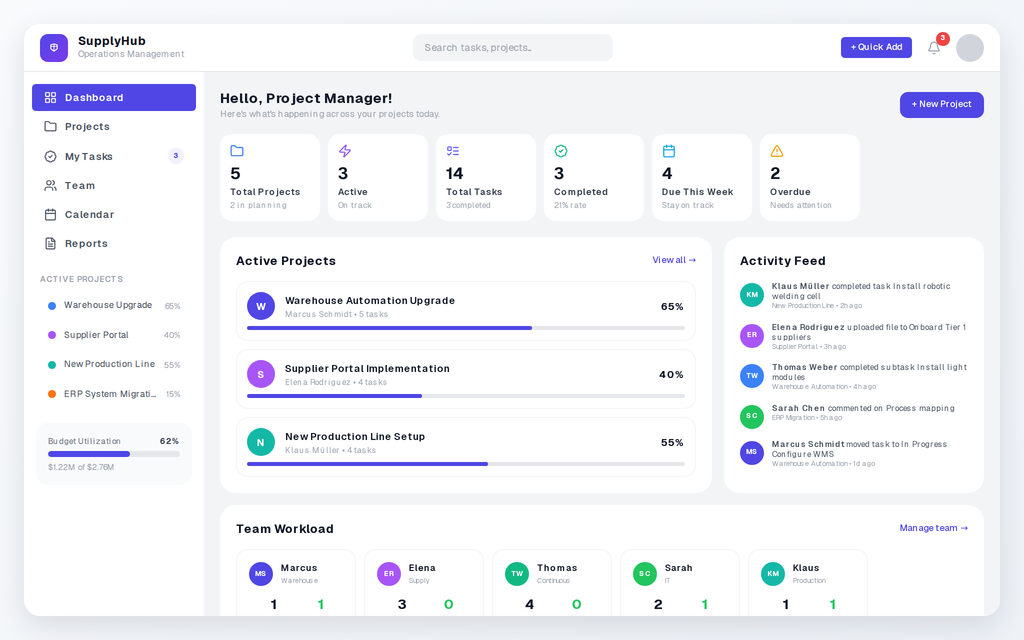
Project Management App
A project management dashboard with projects, tasks, team workload and activity tracking, in light and dark.
- Dashboard with stats, active projects, activity feed and team workload
- Projects page with progress, budget and status per project
- My Tasks kanban board: create, edit, delete and move tasks
Data: SharePoint lists for Projects, Tasks and Team Members
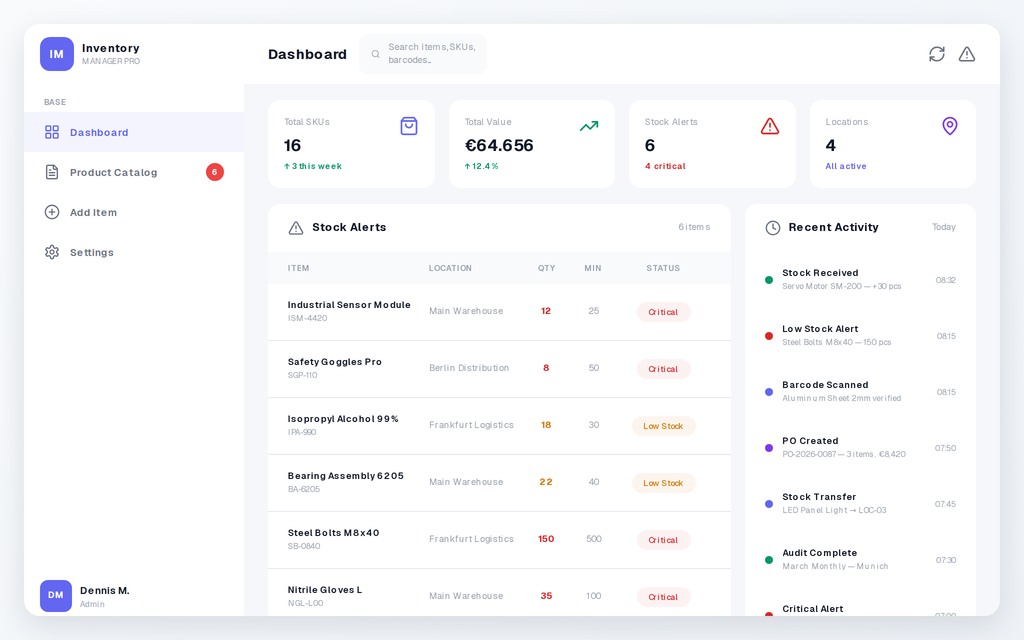
Inventory Manager
Track stock levels, browse products and add new items from one inventory app.
- Dashboard with KPI cards, a stock alerts table and an activity feed
- Product catalog with grid and table views, status badges and a detail drawer
- Add Item form with name, category, quantity, min and max, unit, location and supplier
Data: SharePoint lists for Products, Suppliers and Activity Log
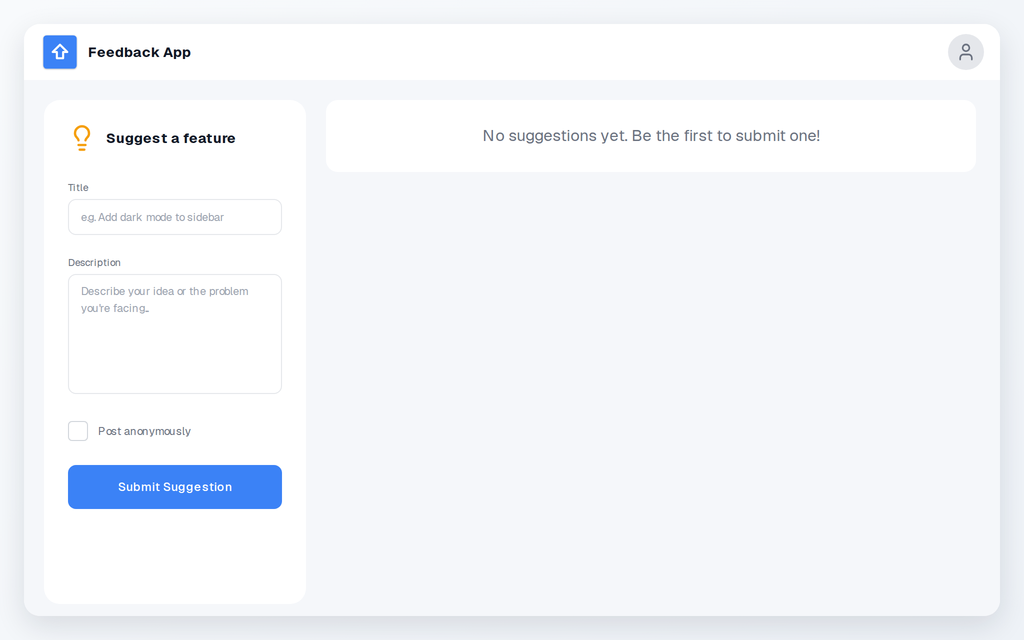
Feedback App
Collect feature requests and bug reports, and let people vote on them.
- Suggestion form with title and description, with an anonymous option
- Vote button on every suggestion that you can toggle on and off
- Optional comments popup on each suggestion, switched on in the settings
Data: A SharePoint list for Suggestions with columns like Title, Votes and Status
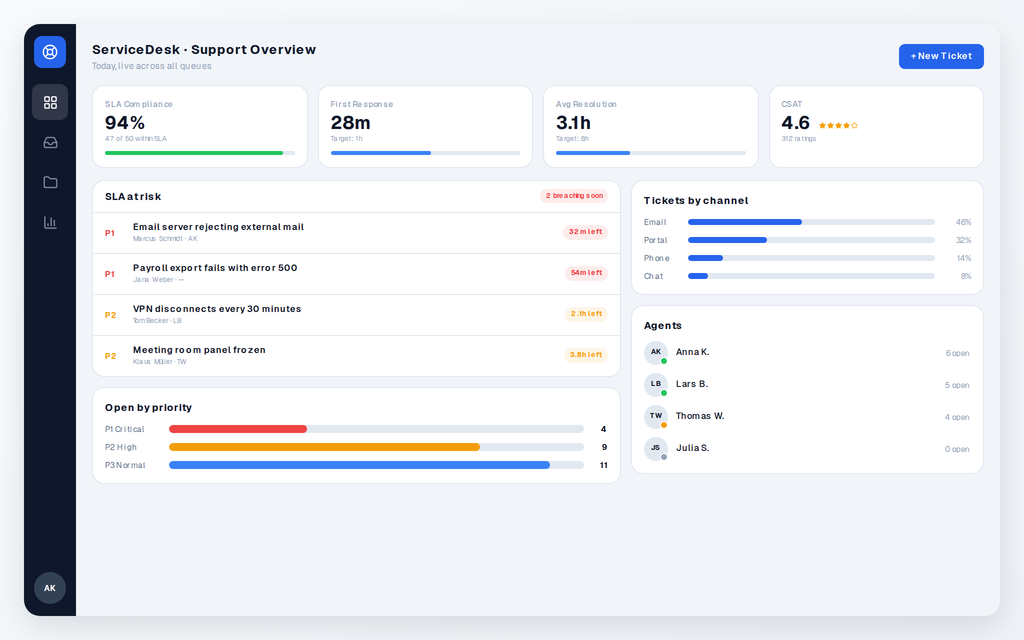
Helpdesk App
A support desk with a ticket inbox and an SLA dashboard, in light and dark.
- Ticket Inbox with live views (All Open, My Tickets, Unassigned, Resolved), SLA clocks and a detail pane
- Support Overview with SLA compliance, response times, at-risk tickets and agent presence
- Light and dark YAML from the same screens: the preview theme decides which you copy
Data: SharePoint lists for Tickets, Agents and Queues
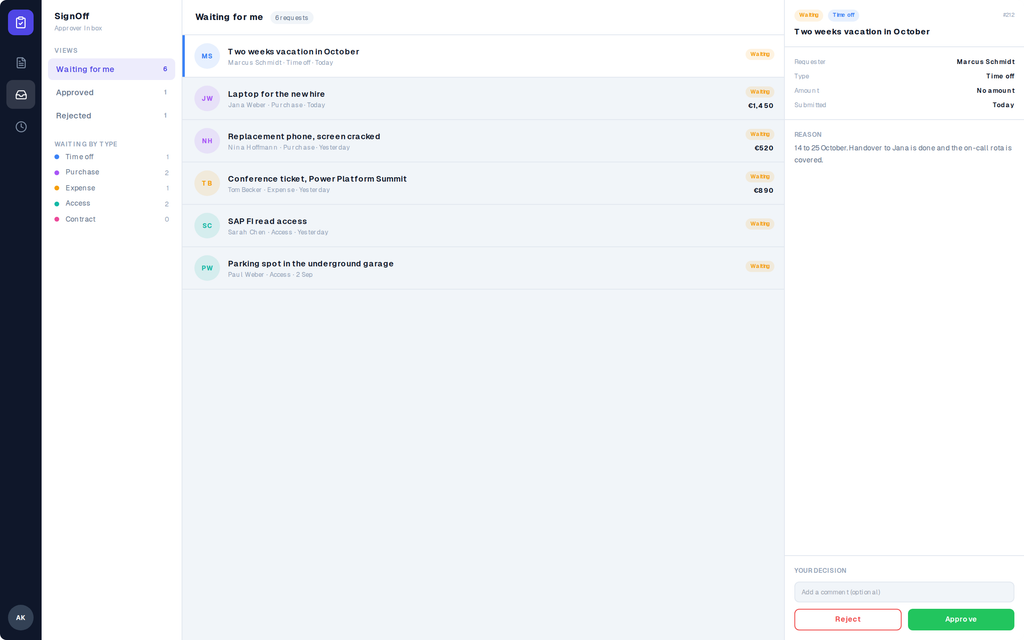
Approvals App
Request, approve, reject, and see every decision. Time off, purchases, expenses, access, contracts.
- My Requests with a status filter, a detail pane with the approver comment, and a New request dialog
- Approver Inbox with live views, a comment box and Approve and Reject that update the collection
- History with live KPIs, search, and a decisions table that fits phones, tablets and desktops
Data: A SharePoint list for Requests with Title, Type, Amount, Reason, Status, Approver, Decided, Comment
Create a free account
Copy any of the 14 free components. The rest come with a plan.
If you already have an account, we'll log you in
What Users Say
“I was able to create a requested feature while still on the phone with management so they could view the result in real time.”
Mike B.
Verified PowerLibs User
“It really helps me customize how I want, instead of trying to figure it out myself. It's saved me hours.”
PowerLibs User
Power Apps Developer
“Both saved me a tremendous amount of time since I didn't need to build reusable components from scratch.”
Kathleen Henry
Power Platform Developer